
07 September 2026
Swiss QR-Invoice: How to Create Yours Correctly
Master the Swiss QR-invoice! This guide for Swiss artisans and SMEs covers essential requirements, practical tips, and common pitfalls for creating compliant invoices.
The Swiss QR-Invoice: Streamlining Payments for Your Business
Between managing construction sites, leading your team, and navigating administrative tasks, invoicing can consume a significant amount of your valuable time. The introduction of the Swiss QR-invoice was designed to simplify payment processes for everyone: businesses, freelancers, and artisans alike, whether you're based in Ticino or anywhere else in Switzerland. But how can you ensure your Swiss QR-invoice is created flawlessly, complies with SIX standards, and, most importantly, genuinely makes paying easier for your clients? The goal is to find a clear and reliable method for generating this new invoice format without making mistakes, thus avoiding payment delays or unnecessary banking complications. You're looking for a practical solution, not abstract theories.
Understanding the Components of a Compliant Swiss QR-Invoice
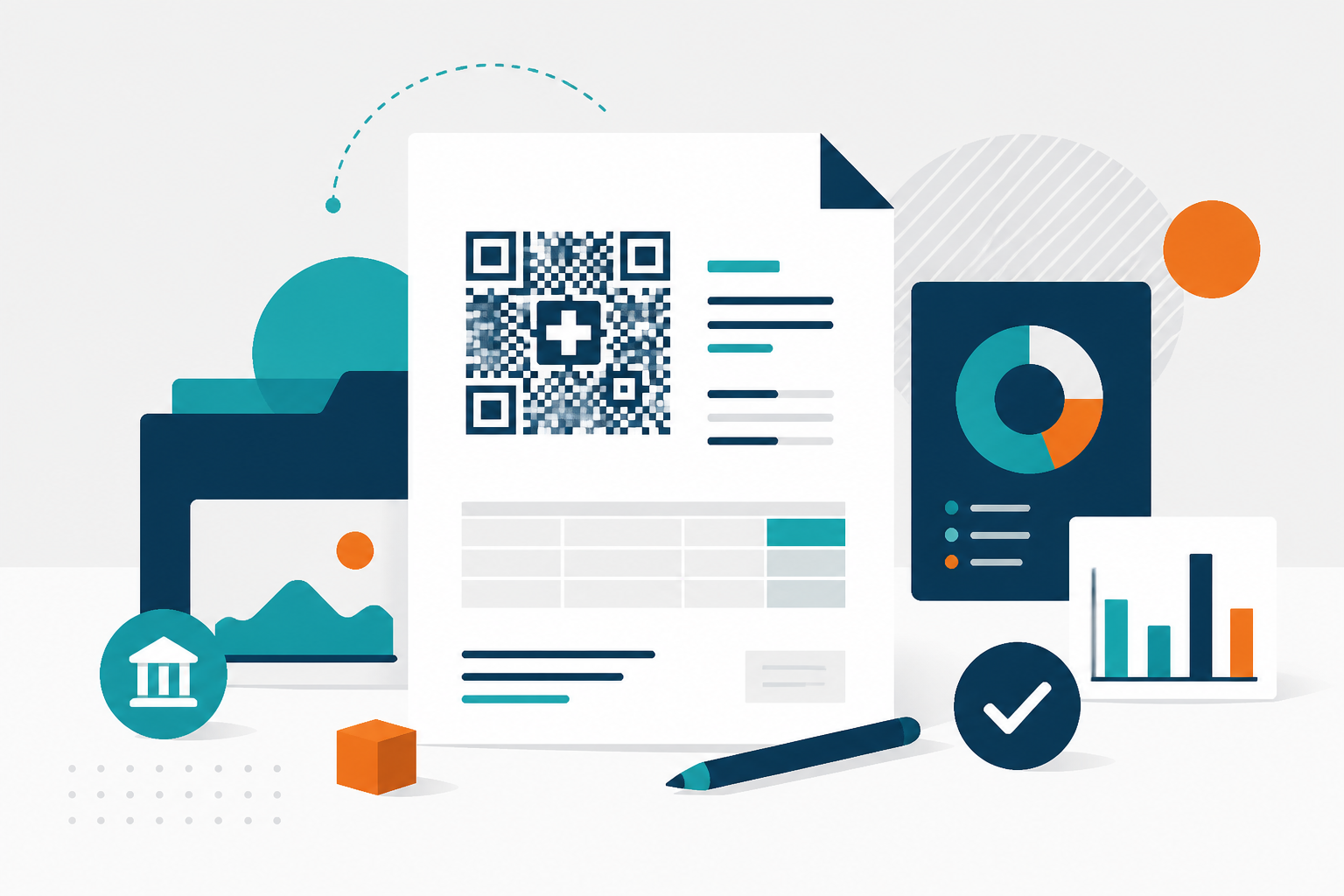
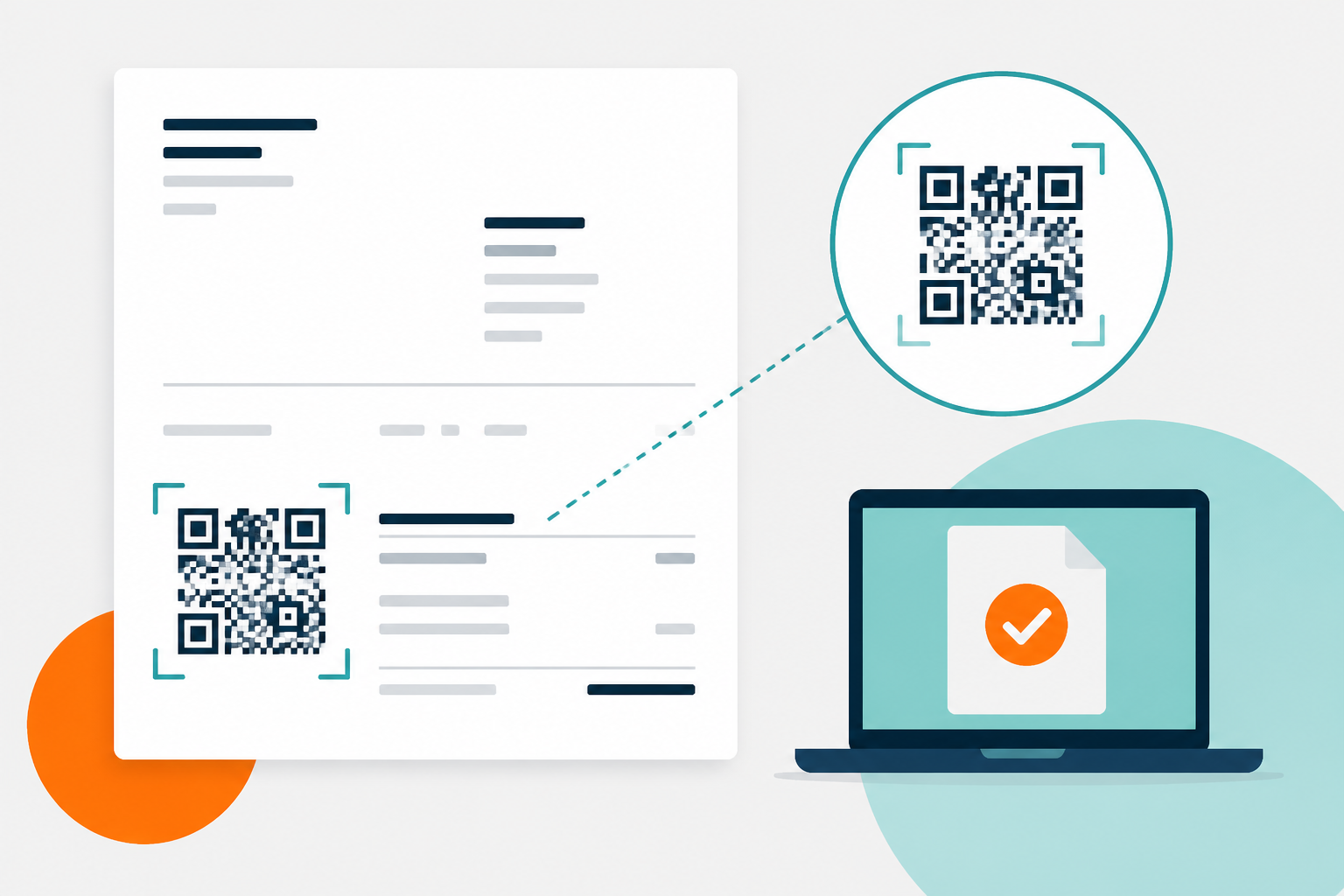
A Swiss QR-invoice is structured into two main parts: one for payment processing and another for informational purposes. The most prominent element is the "QR code." This square, filled with black dots and accompanied by numbers, contains all the necessary data for payment, effectively replacing the traditional payment slip and IBAN. It's engineered for rapid scanning by banking systems and smartphone apps. Below the code, you'll find human-readable information: the amount, due date, recipient details, and, of course, the QR-IBAN.
However, that's not all. To be considered complete and to prevent queries or rejections from banks, your Swiss QR-invoice must include crucial details. Beyond your company's information (name, address, and IDE number if applicable), you must clearly state: the invoice number, the date of issue, and a detailed description of the services or products provided. These elements are vital for your client to identify the payment without ambiguity – a crucial point when dealing with clients across different cantons, such as in Graubünden or Valais. Think of it as ensuring clarity for a client in Zurich just as much as for one in Geneva.
Step-by-Step Guide to Creating Your Swiss QR-Invoice
Generating a Swiss QR-invoice might seem intricate at first. Fortunately, modern tools significantly simplify this process. Here are the fundamental steps:
- <strong>Basic Company Data:</strong> Ensure your accounting or invoicing software includes your complete company details (company name, address, contact information) and your IDE number, if you have one. For a carpentry business in Lugano, this would be 'Falegnameria Rossi SA, Via Industria 10, 6900 Lugano'. This foundational data is essential.
- <strong>Invoice Specifics:</strong> Create a clear invoice detailing a unique number, the date of issue, and a precise description of the work performed or goods supplied. For a plumber in Bellinzona, an example might be: 'Installation of plumbing system, residential property Via Nova 5, Bellinzona - Pipes and sanitary fittings'. Specificity here prevents misunderstandings.
- <strong>Amount and Currency:</strong> State the total amount due in Swiss Francs (CHF). If you apply different VAT rates, ensure they are correctly specified (e.g., 8.1% for most services, 3.8% for accommodation, 2.6% for specific goods). Cantonal guidelines, such as those in the Canton of Zurich for 2024, emphasize the importance of accuracy in VAT reporting.
- <strong>Payment Information (QR Code Generation):</strong> This is where the QR code comes into play. Your software must generate this code, incorporating:<ul><li>Your company's QR-IBAN.</li><li>A unique payment reference (often the invoice number or a structured reference).</li><li>The exact amount.</li><li>The due date.</li><li>(Optional) The recipient's details, to save the client from entering them manually.</li></ul>The integration of these elements is key for automated processing.
- <strong>Printing and Presentation:</strong> Once generated, the QR-invoice must be printed legibly. The QR code needs sufficient size and contrast for reliable scanning. While a minimum size of 22x22 mm is recommended, a slightly larger code often ensures greater reliability, especially for those who print invoices before sending them. A poorly printed code is a common cause of payment issues.
Common Pitfalls to Avoid When Creating Your Swiss QR-Invoice
Even with the best tools, there are common pitfalls to be aware of. The most frequent error relates to the amount: a simple typo can turn CHF 1,500 into CHF 15,000. While an incorrect payment can eventually be rectified, it causes unnecessary complications. Always double-check the amount before finalising and printing your Swiss QR-invoice. Then there's the payment reference: if it's incorrect or missing, bank reconciliation becomes a significant headache. A system like Pratiko automatically generates a structured reference, vastly simplifying this task – a considerable advantage over older methods. Many SMEs in Bern, for instance, utilise software that automatically handles camt.053/camt.054 reconciliation, saving hours of manual effort and reducing the risk of human error.
Another often-underestimated aspect is updating your bank details. If you change your bank account, it's crucial to update your QR-IBAN in your invoicing software. Failure to do so means the generated QR code will be incorrect, leading to payment failures. Remember also to clearly state your payment terms. If you offer a 30-day payment period, mention it explicitly. In case of late payment, you are legally entitled to charge default interest. As per Article 104 of the Swiss Code of Obligations (CO), this interest rate is set at 5% per annum on the outstanding amount. This serves as compensation for the costs incurred due to the delay. Furthermore, ensure your software correctly handles the various applicable VAT rates (8.1%, 3.8%, 2.6%) to remain compliant with Swiss tax regulations.
Integrating Payment References and Reminders
Beyond the initial creation, managing payments effectively is key. The structured payment reference within the QR code is designed precisely for automated reconciliation. When a client pays using this reference, your accounting system can automatically match the incoming payment to the correct invoice. This is a game-changer for efficiency. For instance, an electrician in Lausanne can quickly identify which outstanding invoices have been settled without manual cross-referencing. Should a payment be overdue, remember that Swiss law allows for the charging of interest. A clear reminder sent to the client, stating the original amount plus the accrued 5% interest (based on Art. 104 CO) after the 30-day term, can be effective. Ensure your system can track these deadlines and facilitate reminder generation.
Leveraging Technology for Seamless Swiss QR-Invoicing
The transition to the Swiss QR-invoice marks a significant step towards digitalisation and efficiency in Swiss business operations. Embracing the right tools can transform a potentially tedious administrative task into a streamlined process. Consider the benefits of a system that not only generates compliant QR-invoices but also handles your accounting, VAT reporting, and payment reminders. For an artisan or SME, particularly one operating in a multilingual environment like Switzerland, software that supports multiple languages and can be accessed from a smartphone provides unparalleled flexibility. This allows you to manage invoicing whether you're on-site, in the office, or working remotely. The key is to find a solution that integrates seamlessly with your existing workflows and minimises manual data entry, thereby reducing errors and saving precious time.
Simplify Your Invoicing Today
Creating a compliant and efficient Swiss QR-invoice is crucial for managing your business effectively. Don't delay in adopting a solution that will save you time and prevent costly errors. Discover how Pratiko can help you generate your QR-invoices effortlessly, in full compliance with Swiss regulations, and accessible from any device. Learn more at [Pratiko's Swiss QR-Invoice Guide](https://pratiko.ch/guide/qr-facture-suisse).
FAQ
- What is the main purpose of the Swiss QR-invoice?
- The primary goal of the Swiss QR-invoice is to standardise and simplify the payment process for Swiss businesses and their customers. It consolidates all necessary payment information into a single QR code, allowing for faster and more accurate processing via digital banking or smartphone apps, replacing older payment methods.
- Do I need a special bank account to receive payments via QR-invoice?
- No, you do not need a special bank account. You will need a QR-IBAN, which is typically provided by your current Swiss bank when you request it for your business account. This QR-IBAN is then used in the generation of the QR code on your invoices.
- Can I still use my existing invoice templates?
- While you might adapt existing templates, the core requirement is the inclusion of a valid QR code generated with specific payment data. Most modern invoicing software, including Pratiko, will automatically generate the QR code and ensure it's correctly placed and formatted on your invoice layout.
- What happens if a client pays the wrong amount on a QR-invoice?
- If a client pays an incorrect amount, it will likely not match the structured payment reference, leading to a manual reconciliation challenge. Depending on the situation and the amount difference, you might need to contact the client to arrange a correction. This highlights the importance of verifying amounts before sending the invoice and ensuring clients pay the exact sum indicated.
- What is the mandatory information on a Swiss QR-Bill?
- A Swiss QR-Bill must include beneficiary details (name, address, QR-IBAN), invoice specifics (number, date, description), the total amount in CHF, and the due date, all encoded within the QR code and presented visibly.
- Can I use my standard IBAN for the QR-Bill?
- No, you must use a specific QR-IBAN provided by your bank. This QR-IBAN is essential for the QR code to function correctly and facilitate automated processing.
- What happens if my client pays using the old payment slip method?
- Since 1 October 2022, the old orange payment slips are no longer valid. All payments in Switzerland must now use the QR-Bill format. Clients will need to adapt to this new system.
- How do I ensure my QR code is scannable?
- Print the QR-Bill on white paper with good contrast. Ensure the QR code itself is printed at a minimum size of 22x22 mm and is free from any smudges or distortions that could interfere with scanning.
Related articles
- QR-IBAN and QR reference: get Swiss invoice payments rightLearn how QR-IBAN and the 27-digit QR reference work together. Avoid mismatched payment details and make Swiss invoice reconciliation easier.
- Swiss QR-bill: Create Yours Simply, Cheaply, and CompliantlyLearn to create a compliant Swiss QR-bill without expensive software. Practical guide for Swiss artisans and SMEs.
- Swiss QR-bill errors: fix IBAN, addresses and printingAvoid rejected QR payments: check your IBAN and reference type, address details and PDF print settings. A practical checklist for Swiss small businesses.